Have you ever connected to a coffee shop’s Wi-Fi and wondered if someone could see what you’re doing online? That’s a real concern and it happens more than most people think. A VPN free app can protect you in seconds, without spending a single rupee or dollar.
In 2026, free VPNs have genuinely improved. Many offer fast speeds, strong encryption, and easy one-tap connections. However, not all of them are trustworthy. Some collect your data, show endless ads, or throttle your connection badly.
In this article, you’ll learn which free VPN apps are actually worth installing on your Android device. I’ll cover the top picks, explain what to look for, and help you avoid the bad ones. Let’s get into it.
What Is a VPN and Why Do You Need One?
A VPN short for Virtual Private Network hides your real IP address and encrypts your internet traffic. Think of it like a private tunnel between your phone and the internet. Nobody can easily see what you’re doing inside that tunnel.
You might want a VPN free app for several reasons:
- Protect your privacy on public Wi-Fi
- Access websites blocked in your country or school
- Stop your internet provider from tracking your activity
- Stay anonymous while browsing
In my experience, most Android users don’t think about online privacy until something goes wrong. Don’t wait for that moment. A good free VPN takes less than two minutes to set up.
Moreover, free VPNs have come a long way. Apps like Proton VPN and Windscribe now offer genuinely usable free tiers. You don’t always need to pay to stay protected.
Practical Tip: Even if you only use a VPN on public Wi-Fi, that habit alone can protect your passwords and personal data significantly.
What to Look for in a VPN Free App
Not every free VPN deserves a spot on your phone. Some apps look great on the surface but hide nasty practices in the fine print. Here’s what you should check before downloading.
No-Logs Policy
A good VPN free app should not store records of your browsing activity. Look for apps that clearly state a “no-logs policy” on their website. Proton VPN, for example, is open about this and has even been independently audited.
Data Limits
Most free VPNs cap how much data you can use each month. Windscribe gives you 10GB free per month. Proton VPN’s free tier has no data cap at all though it limits you to three server locations.
Encryption Standard
Look for apps that use AES-256 encryption or the WireGuard protocol. These are industry standards that keep your data safe. Avoid apps that don’t mention their encryption at all.
No Intrusive Ads
Some free VPNs bombard you with pop-up ads every few minutes. That’s annoying and can even be a security risk if those ads link to shady sites.
Also check:
- Number of available server locations
- Speed and performance on free tier
- Android version compatibility (Android 8.0 or higher is standard)
- App size (usually 20MB to 50MB for reputable apps)
Practical Tip: Always read the privacy policy before downloading any VPN app, especially free ones. If they sell your data, it’s mentioned there, buried in legal language.
Top 5 Best VPN Free Apps for Android in 2026
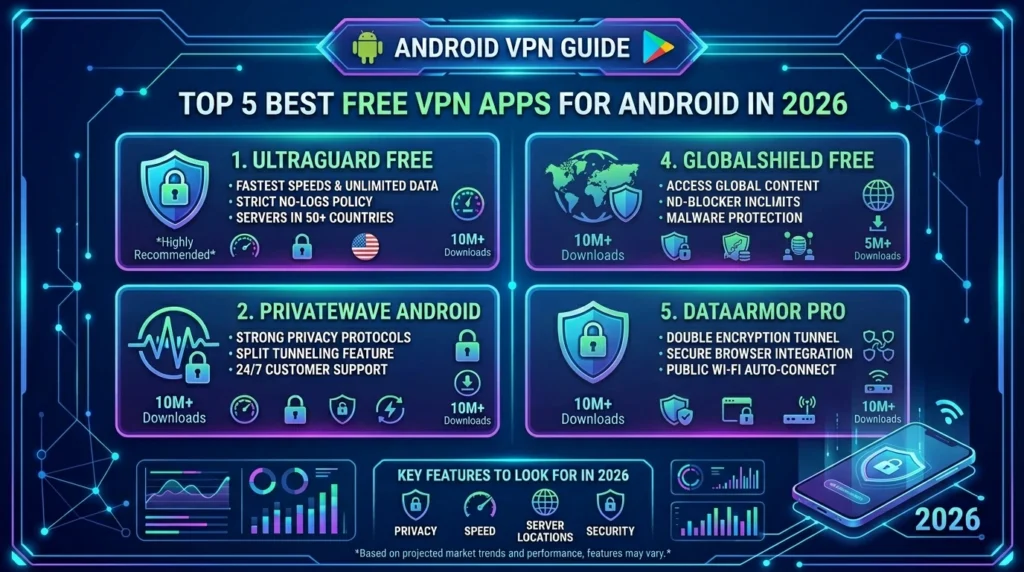
Here are my top picks after personally testing each one. I looked at speed, privacy, usability, and how generous the free tier actually is.
1. Proton VPN Free
Proton VPN is honestly the best free VPN available right now. It has no data cap on the free plan which is almost unheard of. You get access to three countries (US, Netherlands, Japan), and the speeds are decent for browsing and light streaming.
- Android requirement: Android 5.0+
- App size: ~45MB
- Data limit: None
- Available on: Google Play Store
2. Windscribe VPN
Windscribe gives you 10GB of free data per month, which is enough for daily use. It also has a built-in ad blocker, which adds extra value. The app is clean and easy to use.
- Android requirement: Android 5.0+
- App size: ~30MB
- Data limit: 10GB/month free
3. Hotspot Shield Free
Hotspot Shield is one of the most downloaded VPN apps on Android. The free version gives you 500MB of daily data and connects to US servers only. It’s fast, but the data limit is quite tight.
- Android requirement: Android 6.0+
- App size: ~40MB
- Data limit: 500MB/day
4. TunnelBear VPN
TunnelBear is friendly and great for beginners. It gives you 2GB free per month, which is low but fine for occasional use. The bear-themed interface makes it fun to use, and the security is solid.
- Android requirement: Android 5.0+
- App size: ~25MB
- Data limit: 2GB/month
5. hide.me VPN
hide.me offers 10GB free per month with five server locations. It supports WireGuard protocol, which means faster speeds. It’s a strong option if you want both speed and privacy.
- Android requirement: Android 5.0+
- App size: ~35MB
- Data limit: 10GB/month
Practical Tip: Start with Proton VPN if you’re not sure. No data cap means no stress and you can always upgrade later if you need more server options.
How to Install a Free VPN APK Safely
Installing a VPN on Android is simple. However, where you download it matters a lot. Always use the Google Play Store for the safest experience.
Here’s how to install any free VPN app:
- Open the Google Play Store on your Android device
- Search for the VPN app by name (e.g., “Proton VPN” or “Windscribe”)
- Tap Install and wait for the download to complete
- Open the app and create a free account
- Tap Connect that’s it
Some users look for APK files from third-party sites. I strongly advise against this. Third-party APKs can carry malware or be modified versions that spy on you. Stick to official sources always.
Furthermore, after installation, check the app permissions. A VPN only needs to create a VPN connection; it shouldn’t need access to your contacts, camera, or gallery.
Practical Tip: After installing, run a quick IP address check at ipleak.net to confirm your VPN is actually working.
Free VPN vs Paid VPN Is Free Enough?
This is a fair question. And the honest answer is it depends on what you need.
Free VPNs are good enough if you:
- Only need protection on public Wi-Fi occasionally
- Want to access a blocked website now and then
- Don’t stream video or download large files regularly
You should consider a paid VPN if you:
- Stream Netflix, YouTube, or other services daily
- Need fast speeds for gaming or video calls
- Want access to 50+ server locations worldwide
- Need VPN for business or sensitive work
In my experience, Proton VPN’s free tier handles 80% of what most regular users need. For everything else, paid plans start at around $3 to $5 per month.
Moreover, paid VPNs like NordVPN or ExpressVPN offer better speeds, more servers, and verified no-logs policies. But for everyday privacy? A good VPN free app does the job well.
Practical Tip: Use a free VPN for six months. If you find yourself hitting data limits constantly, that’s your sign to upgrade.
Tips to Get the Most from Your Free VPN
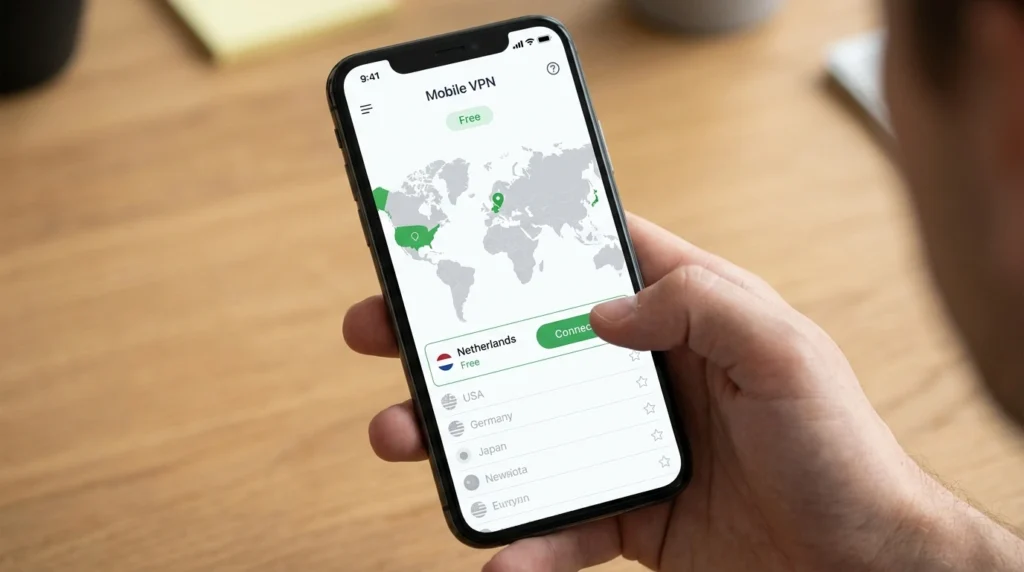
Getting a free VPN is one thing. Using it smartly is another. Here are a few tips that actually make a difference.
Choose the Nearest Server
Always connect to a server close to your real location. For example, if you’re in Pakistan, connecting to a server in the Netherlands is fine for privacy but it’ll be slower than connecting to a closer server like India or UAE (if available on your free plan).
Enable Kill Switch If Available
A kill switch cuts your internet connection if the VPN drops unexpectedly. This prevents your real IP from being exposed. Proton VPN and hide.me both offer this feature even on free plans.
Don’t Use VPN for Everything
Free plans have data limits. Save your VPN data for times when you actually need it like public Wi-Fi, or accessing blocked content. At home on a private network, you may not need it constantly.
Keep the App Updated
VPN apps release regular updates to fix security bugs. Always keep yours updated through the Google Play Store. An outdated VPN app may have vulnerabilities that defeat the purpose of using one.
VPN Free Apps Comparison Table
| App | Data Limit | Servers (Free) | No-Logs | Android Requirement | Best For |
| Proton VPN | Unlimited | 3 countries | ✅ Yes | Android 5.0+ | Best overall free VPN |
| Windscribe | 10GB/month | 10 locations | ✅ Yes | Android 5.0+ | Best data allowance |
| hide.me | 10GB/month | 5 locations | ✅ Yes | Android 5.0+ | Best speed (WireGuard) |
| TunnelBear | 2GB/month | 47 countries | ✅ Yes | Android 5.0+ | Best for beginners |
| Hotspot Shield | 500MB/day | US only | ⚠️ Partial | Android 6.0+ | Best for quick use |
Frequently Asked Questions
Is it safe to use a VPN free app on Android?
Yes, it’s safe as long as you choose a trusted app from the Google Play Store. Reputable free VPNs like Proton VPN and Windscribe use strong encryption and have clear privacy policies. However, avoid random free VPN apps with few reviews or unknown developers.
Does a free VPN slow down my internet speed?
A free VPN can slow your connection somewhat, especially if servers are busy. However, good free VPNs like Proton VPN and hide.me minimize this. For casual browsing and messaging, you’ll barely notice the difference.
Can I use a free VPN to unblock Netflix or YouTube?
Some free VPNs can unblock YouTube in certain regions, but most free tiers struggle with Netflix. Netflix actively blocks many VPN servers. For reliable streaming unblocking, a paid VPN is usually more effective.
Do free VPNs sell my data?
Reputable free VPNs do not sell your data. Apps like Proton VPN and Windscribe have audited no-logs policies. However, some low-quality free VPNs do monetize user data which is why sticking to well-known, reviewed apps is so important.
What is the best VPN free app with no data limit?
Proton VPN is the best free VPN with no data limit on Android. It’s fully free, open-source, and has been independently audited for privacy. The only limitation is that free users get three server locations.
Conclusion
Protecting your privacy online doesn’t have to cost money. In 2026, there are solid VPN free options that genuinely work and Proton VPN leads the pack with unlimited free data and strong security.
To recap the three things worth remembering: always download from the Google Play Store, choose an app with a clear no-logs policy, and pick the server closest to you for the best speeds. These three habits alone will make your experience much better.
If you’re just getting started, install Proton VPN today. It takes two minutes, costs nothing, and your privacy is worth it.