Getting paid should feel simple, not stressful. Yet many small sellers still chase invoices, count cash, or wait for bank transfers.
A cash app business account gives you another way to accept customer payments from your phone. It can suit freelancers, local services, market sellers, and growing side hustles. However, it isn’t the same as a full business bank account.
You need to understand the fees, tax records, refunds, and account rules before using it. Otherwise, a quick payment can become an accounting headache.
This guide breaks everything down in plain English. First, you’ll learn what the account does and how much it costs. Then, you’ll see how to set it up and use it well. You’ll also find safety tips, comparisons, and clear answers to common questions.
What Is a Cash App Business Account?
A cash app business account is a payment profile for selling goods or services. Cash App calls the service Cash App Business. It serves eligible sole proprietors and business entities in the United States.
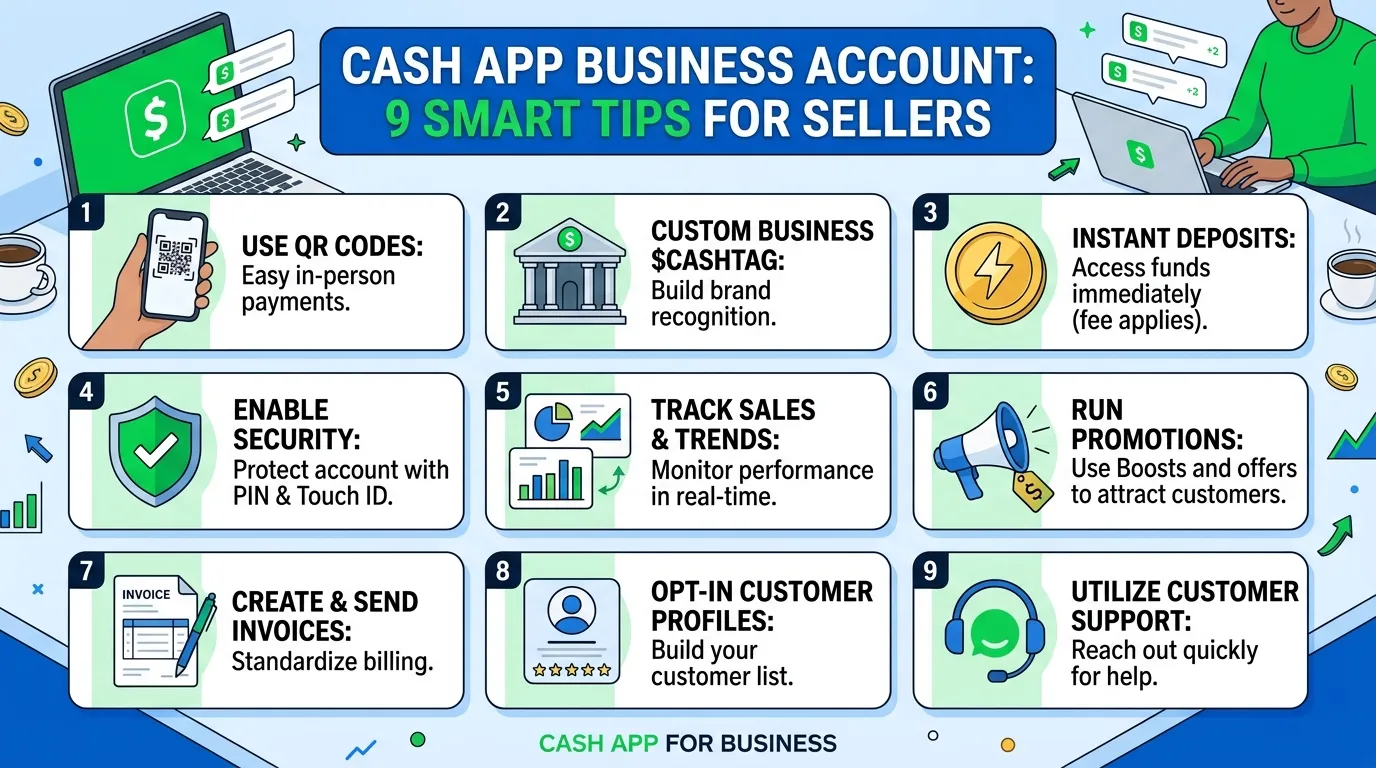
Customers can send business payments to your unique $Cashtag. They may also scan your QR code. In addition, eligible sellers can accept contactless card payments through Tap to Pay.
The account records your business activity inside the Cash App. Therefore, you can review transactions and download monthly statements. You may also link it with a personal profile and switch between separate $Cashtags.
However, Cash App is a financial services platform, not a bank. The business profile works mainly as a payment processing tool. It doesn’t replace every feature of a business checking account.
You can use the account to:
- Request and receive customer payments
- Share a business $Cashtag or QR code
- Accept eligible Tap to Pay transactions
- Review payment activity
- Download monthly statements
- Issue eligible refunds
- Access business tax documents
- Keep sales separate from personal transfers
Pro Tip: Keep your personal and business $Cashtags clearly different. This simple step reduces payment mistakes and messy records.
Cash App Business Account Fees and Features
The cash app business account has no listed monthly subscription fee. However, Cash App deducts processing fees from incoming business payments.
Cash App currently lists these main charges:
| Payment method | Processing fee | Best use |
| Payment from a customer’s Cash App account | 2.6% + $0.15 | Remote or in-person $Cashtag payments |
| Tap to Pay transaction | 3% | Contactless card payments in person |
Fees can change. Therefore, check Cash App’s official fee page before publishing prices or signs.
Here is how the standard fee affects common payments:
| Customer pays | Processing fee | You receive |
| $10 | $0.41 | $9.59 |
| $25 | $0.80 | $24.20 |
| $50 | $1.45 | $48.55 |
| $100 | $2.75 | $97.25 |
Small payments feel the fixed fee more strongly. Therefore, calculate your true margin before setting prices.
Don’t surprise customers with an unplanned fee at checkout. Instead, build normal payment costs into your pricing. Also, follow local law and platform rules.
How to Create a Cash App Business Account
Current Cash App instructions let eligible users create a linked business profile from a personal account. Therefore, you can switch between profiles without mixing their $Cashtags.
Follow these steps:
- Update Cash App.
First, install the latest version from your official app store. - Open your profile.
Tap the profile icon in the top-right corner. - Choose the business option.
Select Create a business account near the bottom. - Enter accurate details.
Add the requested owner, business, and taxpayer information. - Choose your business identity.
Pick a clear $Cashtag that customers can recognize. - Review the rules and fees.
Read the processing rates and restricted-use policy. - Finish verification.
Cash App may request identity or business documents. - Test the account.
Accept a small payment for a real purchase. - Check your records.
Confirm that the payment, fee, and net amount appear correctly.
Cash App may request identification, invoices, licenses, or supplier records. Therefore, keep your business and tax details accurate.
9 Smart Ways to Use Your Business Profile
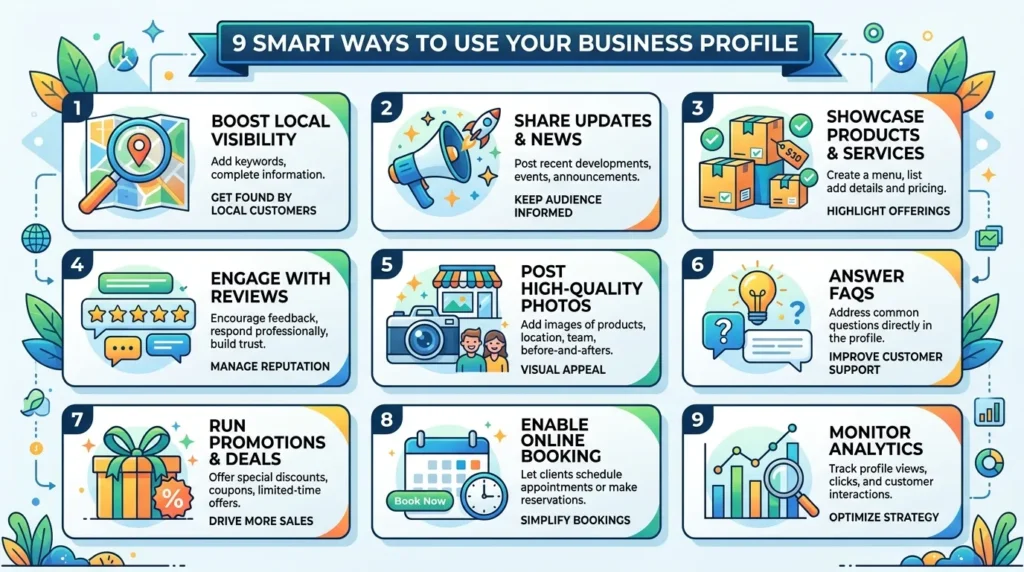
Setting up a cash app business account takes only a few minutes. However, using it well requires a simple routine.
1. Keep personal payments separate
Use your personal profile for gifts and shared bills. Then use the business profile only for customer sales. This separation makes bookkeeping much easier.
2. Put your $Cashtag on every invoice
Add the correct $Cashtag and QR code to invoices and signs. Also, show your business name.
3. Confirm payments inside the app
Never rely on a customer’s screenshot. Instead, open the Cash App and check your activity feed before handing over goods.
4. Add clear payment notes
Ask customers to include an order number. Then match it with your invoice.
5. Publish a refund policy
Explain your return and cancellation rules before the sale. A clear policy can prevent confusion and reduce disputes.
6. Download statements monthly
Save each statement in a secure business folder. Also, record sales and fees in your bookkeeping system.
7. Set aside money for taxes
Move part of each payment into a separate tax savings account. A tax professional can help you choose a suitable amount.
8. Keep proof for disputes
Save invoices and delivery proof. Also, answer chargeback requests quickly.
9. Offer a backup payment method
Apps can face outages or account reviews. Therefore, keep another trusted payment option available.
Cash App Business Account vs Personal Account
A cash app business account and a personal profile may look similar. However, their purposes and rules differ.
| Feature | Business account | Personal account |
| Main purpose | Selling goods and services | Personal transfers |
| Customer sales | Allowed | Should not accept business sales |
| Incoming payment fee | Yes | Usually no seller fee |
| Business badge | Yes | No |
| Tax document access | Business tax section | Not for normal personal transfers |
| Intended use | Commercial activity | Personal and household payments |
The personal profile works for splitting dinner or repaying a friend. Meanwhile, the business profile helps you accept sales.
Don’t use a personal account to avoid seller fees. Cash App may identify commercial activity and require business use. More importantly, mixed payments create poor records.
Is it a business bank account?
No. A cash app business account is not a traditional business checking account.
Cash App describes it as a payment tool. A bank account may offer checks, lending, staff cards, and wider accounting tools.
Taxes and Record-Keeping Rules
Taxes can make a cash app business account feel confusing. However, one rule keeps things simple: track every sale.
The current federal Form 1099-K threshold for third-party payment networks is over $20,000 and more than 200 transactions. Both conditions must apply. Still, Cash App may send a form below that level.
More importantly, the threshold doesn’t decide whether income is taxable. You must generally report taxable business income even without a Form 1099-K.
Form 1099-K reports gross payments
The form may report customer payments before processing fees. It may also include amounts later refunded.
Therefore, reconcile gross sales, fees, refunds, chargebacks, and other adjustments. Keep these records:
- Customer invoices and receipts
- Cash App monthly statements
- Transaction fee records
- Refund and chargeback details
- Business bank statements
- Expense receipts
- Tax forms and summaries
Tax rules depend on your location and business type. Therefore, consult a qualified tax professional for advice about your return.
Common Cash App Business Account Mistakes
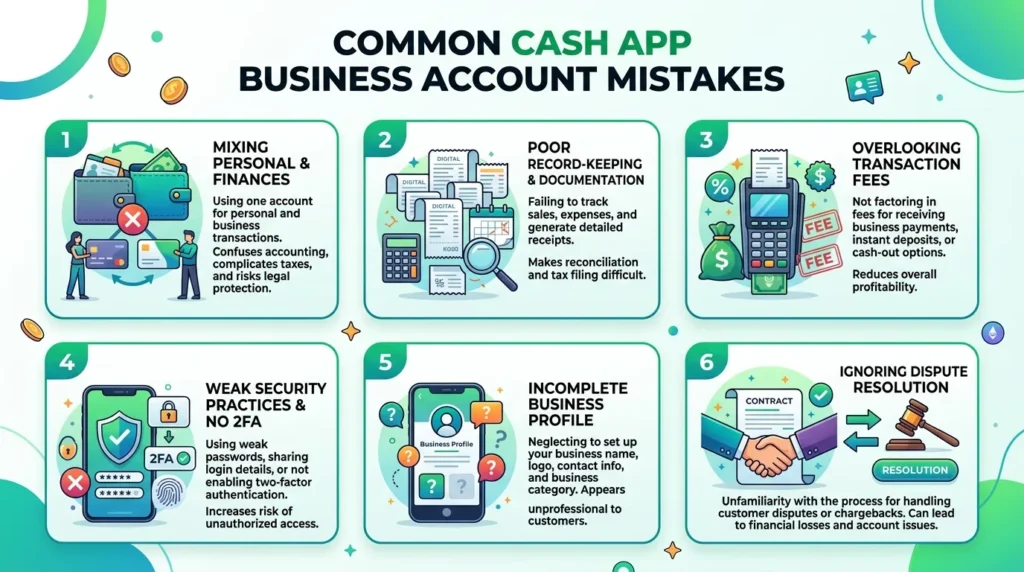
The cash app business account is simple, but small errors can become expensive.
Treating it like full accounting software
The activity feed shows payments. However, it doesn’t replace complete bookkeeping. Use software or a clear spreadsheet and reconcile monthly.
Ignoring restricted business types
Cash App doesn’t support every industry. Therefore, review its business terms before accepting payments.
Shipping before checking payment
A screenshot isn’t proof of cleared funds. Always verify the payer and amount inside your own account.
Spending every payment
Your business needs funds for refunds, reversals, and chargebacks. Therefore, keep a small reserve.
Waiting for a tax form
You may not receive Form 1099-K below federal limits. However, your sales can still count as taxable income.
Sharing security information
Fake support agents may request codes or passwords. Don’t share sensitive login details. Also, use only official Cash App support channels.
Is a Cash App Business Account Right for You?
A cash app business account works best when speed and simplicity matter. It can help:
- Freelancers with simple invoices
- Tutors, cleaners, and local service providers
- Food stalls and market vendors
- Artists and makers
- Beauty professionals
- Small repair businesses
- Side-hustle sellers
However, another platform may suit you better when you need inventory, subscriptions, international payments, or several staff logins.
You can also keep a backup processor. As a result, an outage won’t stop every sale.
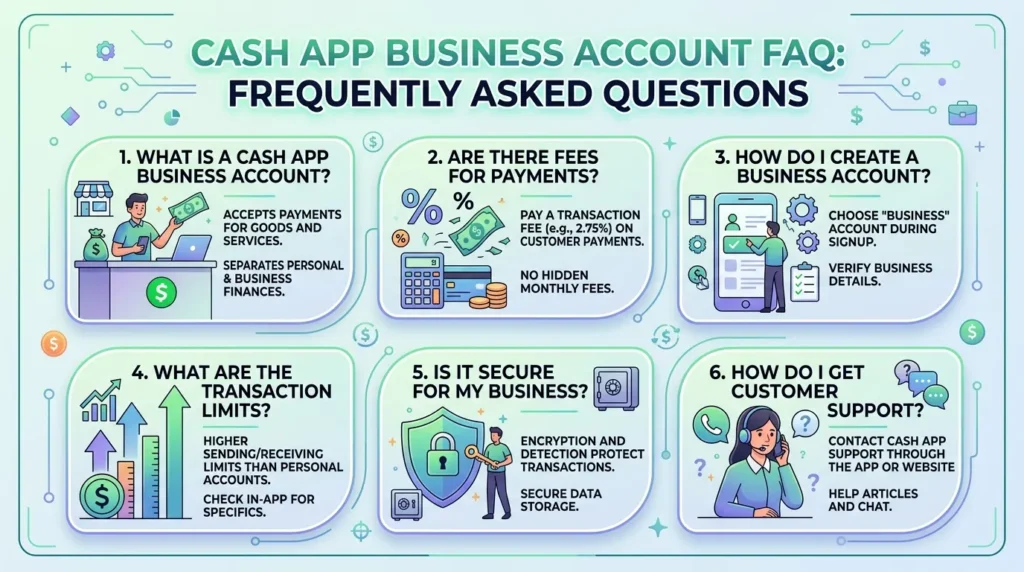
Cash App Business Account FAQ
Is a Cash App business account free?
There is no listed monthly subscription charge for the basic business profile. However, Cash App deducts a processing fee from business payments.
How much does Cash App charge businesses?
Cash App currently lists 2.6% plus $0.15 for payments from a customer’s Cash App account. It lists 3% for Tap to Pay.
For example, the standard fee on a $100 payment is $2.75. Therefore, your net amount would be $97.25.
Can I have personal and business Cash App accounts?
Yes, eligible users can create linked profiles and switch between them. Each profile has its own $Cashtag.
Keep personal reimbursements in the personal profile. Then send customer sales to the business profile.
Does Cash App report business payments to the IRS?
Cash App may issue Form 1099-K when reporting rules apply. The current federal threshold is over $20,000 and more than 200 transactions.
However, state or other rules may apply. You must report taxable income even when no form arrives.
Can customers pay without having a Cash App?
Eligible sellers can use Tap to Pay for contactless card payments. Therefore, a customer may not need a Cash App profile.
Availability depends on your device and eligibility.
Can I issue a refund?
Cash App’s current business terms allow eligible refunds up to 120 days after accepting payment. Refunds must follow the original sale and applicable rules.
Keep enough money available and show your return policy before each sale.
Is a Cash App business account safe?
Use strong passwords and check every payment yourself. Never trust screenshots as proof.
Start Taking Business Payments With Confidence
A cash app business account can make customer payments fast and familiar. However, convenience works best when you understand the costs and rules.
First, separate business sales from personal transfers. Then price with processing fees in mind. Also, save statements, verify every payment, and keep money available for refunds.
The account can suit freelancers and small local sellers. Still, it may not replace a business bank account or complete payment system.