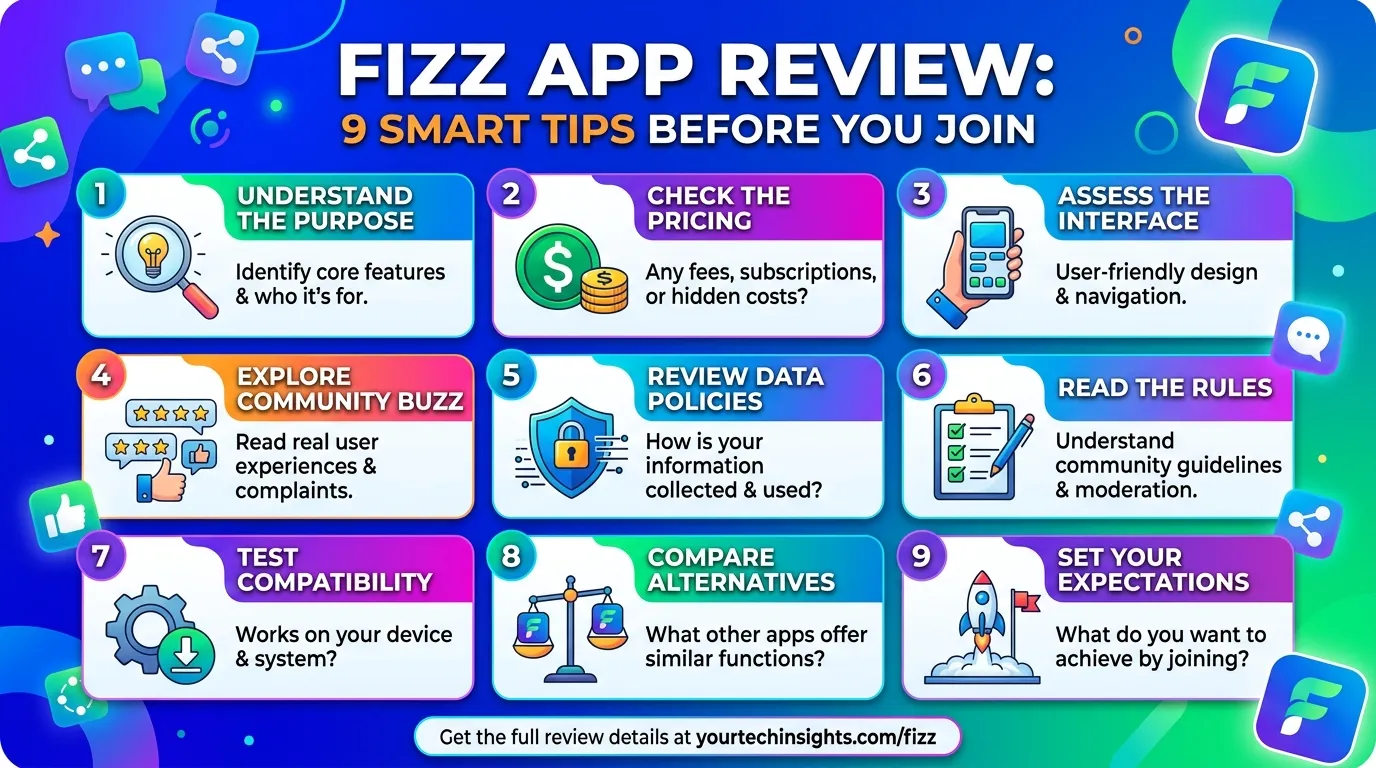
Campus life moves fast, and useful updates often disappear inside crowded group chats. The Fizz app offers another way to follow local conversations and connect with people around you.
You may see jokes, questions, event tips, opinions, and marketplace posts in one feed. However, anonymous posting can feel confusing at first.
This guide explains the experience in plain English. You will learn how the platform works, protect your privacy, and avoid common mistakes.
In my experience, social apps become stressful when people skip the settings. Therefore, this guide focuses on thoughtful use, not endless scrolling.
What Is the Fizz App?
The Fizz app is a community-based social platform. It lets users join school communities, nearby communities, and broader conversations.
Fizz puts local discussion at the centre. For example, students may discuss classes, clubs, housing, food, events, or campus life.
The platform supports text, images, video, and anonymous posts. Still, anonymity should never feel like permission to expose or attack someone.
Fizz also offers personalized content. In addition, some communities may include a peer-to-peer marketplace. Features can vary by account and location.
Who may find it useful?
The Fizz app may suit you when you want to:
- Follow conversations in your school or local area
- Ask a question without building a public profile
- Learn about clubs, events, and student life
- Share a funny or relatable campus moment
- Browse local items offered by other users
- Discover views outside your usual friend group
However, the platform does not replace official school notices. Always check your institution’s website for deadlines, alerts, and policy updates.
Pro Tip: Spend a day reading your community before posting. You will quickly learn its tone, useful topics, and common problems.
How to Start Using the Fizz App
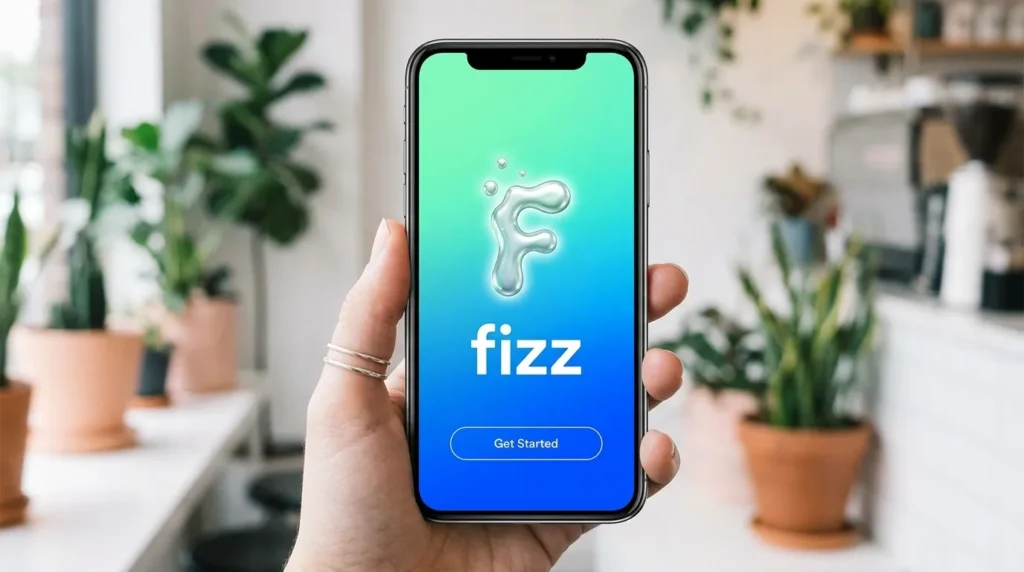
Getting started is simple, but careful setup matters. Follow these seven steps.
1. Find the official listing
First, search for “Fizz: Your Authentic Community” in your device’s official app store. Check the developer name before downloading.
Similar names exist. Therefore, avoid files from adverts, messages, or unofficial pages.
2. Review the store details
Next, check the current age rating, device needs, purchase notes, and privacy details. These items can change over time.
Also, read recent positive and negative reviews. They may reveal common concerns.
3. Create your account
The service requires an account. During registration, you may need to provide a phone number and email address.
Use details that you control. Also, choose a strong password that you do not reuse elsewhere.
4. Complete community verification
Fizz says it verifies members by phone number. College communities may also require proof of school affiliation.
However, the company cannot guarantee that every approved member is actively enrolled.
5. Explore your feeds
After joining, browse school posts, nearby discussions, and wider recommendations. Notice which feed gives you useful information.
6. Check safety controls
Before posting, find the block, report, notification, and account settings. Also, learn how to contact support.
This small step saves time later. Therefore, do it before a difficult interaction happens.
7. Make your first post useful
Start with a clear question, helpful tip, or light community topic. For example, ask which quiet study area stays open late.
Avoid naming another student in a negative story. Also, remove details that could reveal someone’s timetable, home, or live location.
9 Smart Ways to Use the Fizz App
The Fizz app can feel busy when every post competes for attention. These habits can make your experience calmer and more useful.
1. Decide why you opened it
Before scrolling, choose a purpose. You might check events, ask a question, or browse recent discussions.
2. Treat anonymous posts with care
Anonymous content can encourage honest questions. However, treat strong claims as unverified until you check them.
3. Keep personal details private
Do not post your room number, daily route, phone number, or live location. Also, check photos for names, addresses, and screens.
A harmless background detail can reveal more than you expect. Therefore, pause before uploading an image.
4. Use reporting tools early
Report content that appears to break community rules. Examples include bullying, hate speech, doxing, threats, and deliberate misinformation.
You do not need to argue with the poster first. In fact, a public fight may make the problem worse.
5. Ask clear questions
Specific questions receive better answers. Also, mention what you have tried so others can give useful advice.
6. Check marketplace listings
For local listings, compare prices, inspect items, and meet in a safe public place. Avoid deals that create pressure.
7. Separate humour from harm
Local jokes can build community. However, humour stops being harmless when it exposes or humiliates someone.
Ask yourself whether the post could create a real problem for the person involved. If yes, do not share it.
8. Control notifications
Turn off alerts that do not help you. For example, keep important updates while muting broad activity.
As a result, the app becomes a tool instead of a constant interruption.
9. Take regular breaks
Social feeds can shape your mood. Therefore, step away when posts make you angry, anxious, or distracted.
Fizz App Features at a Glance
The table below explains common features and the care each one needs.
| Feature | How it may help | What to watch |
| School community | Shows relevant campus talk | Posts are not official notices |
| Nearby community | Highlights local conversations | Context may reveal personal patterns |
| Anonymous posting | Makes some questions easier | Anonymous does not mean consequence-free |
| Personalised feed | Helps you discover useful topics | Recommendations may encourage long scrolling |
| Images and video | Adds context to posts | Background details may expose private data |
| Marketplace | Supports local buying and selling | Listings still require scam checks |
| Reporting tools | Flags harmful content | Save needed evidence before reporting |
The Fizz app differs from profile-led platforms because local context drives the experience. However, small communities can make people easier to identify.
Therefore, use the same care you would use in a public forum. A hidden name does not erase screenshots or real-world effects.
Privacy and Safety on the Fizz App
The Fizz app describes itself as a private and authenticated community platform. Yet users still provide account information during registration.
Fizz says users verify by phone number. College members may also need school verification. However, Fizz is not connected to educational institutions.
Does anonymous mean invisible?
No. Anonymous posting affects what other users see beside a post. It does not remove your account information.
Others may also guess your identity from context. Therefore, remove details that do not matter.
Basic safety habits
Use this checklist:
- Choose a unique password
- Keep verification codes private
- Avoid sharing live locations
- Remove personal details from photos
- Check official sources before repeating claims
- Block and report harmful content
- Meet marketplace sellers in public spaces
- Contact local services during an urgent danger
Fizz publishes rules against bullying, doxing, hate speech, deliberate misinformation, illegal sales, and graphic content. However, rules work best when users report problems responsibly.
Common Fizz App Mistakes to Avoid
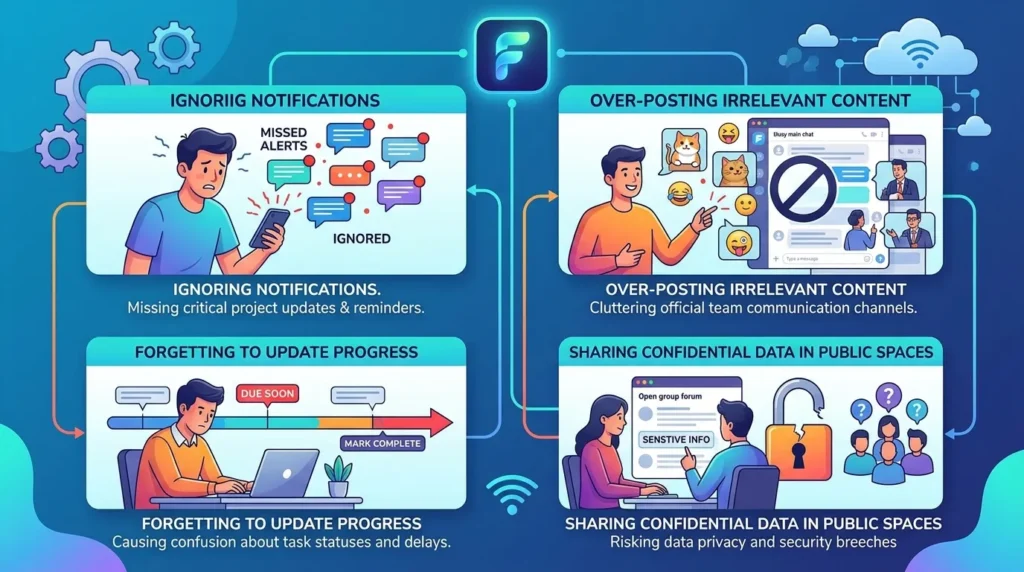
Even careful users can slip into habits that create trouble. Fortunately, most mistakes are easy to avoid.
Believing every popular post
Votes show engagement, not proof. Therefore, check official sources before trusting important claims.
Posting while upset
Angry posts often include too many details. Write elsewhere first, then wait ten minutes and reread it.
Naming people in negative stories
Fizz restricts harmful posts that identify students. Therefore, remove names, photos, and identifying clues.
Assuming the platform belongs to your school
Fizz states that it is not affiliated with educational institutions. Therefore, do not treat a community feed as an official channel.
Use your school portal, official email, or staff contacts for confirmed information.
Sharing screenshots carelessly
A screenshot may expose names, faces, or schedules. Therefore, crop and review it before sharing.
Ignoring your wellbeing
Have you ever opened a feed feeling fine and left feeling tense? That reaction matters.
Mute alerts or take a break. If online content affects your wellbeing, speak with someone you trust.
Fizz App FAQ
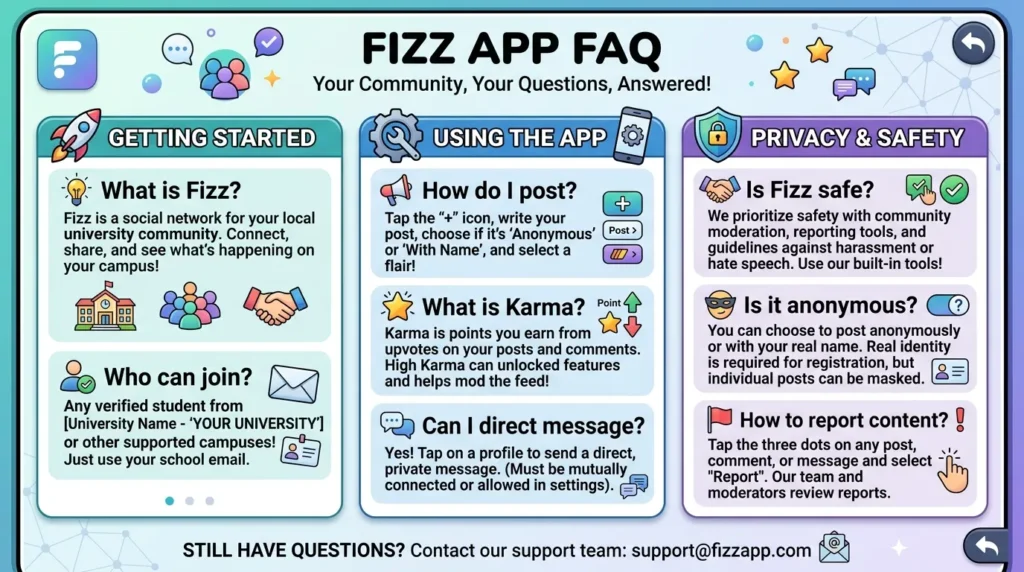
Is the Fizz app only for college students?
Fizz supports school, nearby, and broader communities. However, access can depend on your location and available features.
Is the Fizz app really anonymous?
Posts may hide your public identity from other users. However, you still create an account and provide verification information.
Does my school run the Fizz community?
No. Fizz’s terms say the company is not affiliated with educational institutions.
Therefore, confirm deadlines, rules, alerts, and academic information through official school sources.
Can I buy and sell items through Fizz?
Some communities offer a marketplace. Inspect items, avoid risky payments, and meet in a suitable public place.
What should I do about bullying or private information?
Do not add attention by arguing or reposting the material. Instead, save needed evidence, report the content, and block relevant accounts.
If someone faces immediate danger, contact local emergency or campus safety services.
Can I delete my Fizz account?
Fizz says users may cancel through available service features or by contacting support. Check current terms before acting.
Is the Fizz app free?
The current US Apple listing shows the app as free with in-app purchases. However, store terms and charges can change.
Always review the current listing before downloading or buying anything.
Should You Try the Fizz App?
The Fizz app can help you discover local conversations, ask honest questions, and understand what people around you are discussing. Its community focus can feel more relevant than a broad public feed.
However, useful access comes with responsibility. Check important claims, protect personal details, and avoid posts that target real people. Also, remember that anonymous does not mean invisible.
Start slowly and review the safety tools first. Then follow helpful topics and mute the noise. Most importantly, use official sources for serious decisions.
When you approach the platform with care, it can become a practical community tool rather than another stressful feed.