Introduction
Friends, today is the era of social media. Every day new applications are coming out that connect people. One of these apps is called Monkey App. Monkey App is an application where you can video chat with strangers. This app is especially popular among youth and children.
Monkey App was created by five young people in Los Angeles. Their goal was to give people the opportunity to make new friends online. Today Monkey App has more than three crore users worldwide. But the question is, is Monkey App really safe? Should your children use Monkey App?
Today I will tell you everything you need to know about Monkey App. After reading this article, you will know what the truth about the Monkey app is, what are its dangers, and how you can protect your children from applications like the Monkey app.
What is the Monkey app? In very simple language
The Monkey app is a social media platform where you can video chat with strangers. The most special thing about it is that the video chat is only 15 seconds long. If both users want, they can continue the conversation. If they don’t want, the conversation starts with the next stranger.
The Minky app has several features:
Cards: You can like or dislike people by looking at their photos
Video Chat: Have live video chats with strangers
Dive Chat: Have group video chats with friends
Text Chat: Send messages
Moments: Post short videos
The Minky app is free but there is also a paid subscription called “Minky Plus”. In this, you get some extra features like applying age filters, matching with boys or girls, and text chat facility.
Why is the Monkey app so controversial?
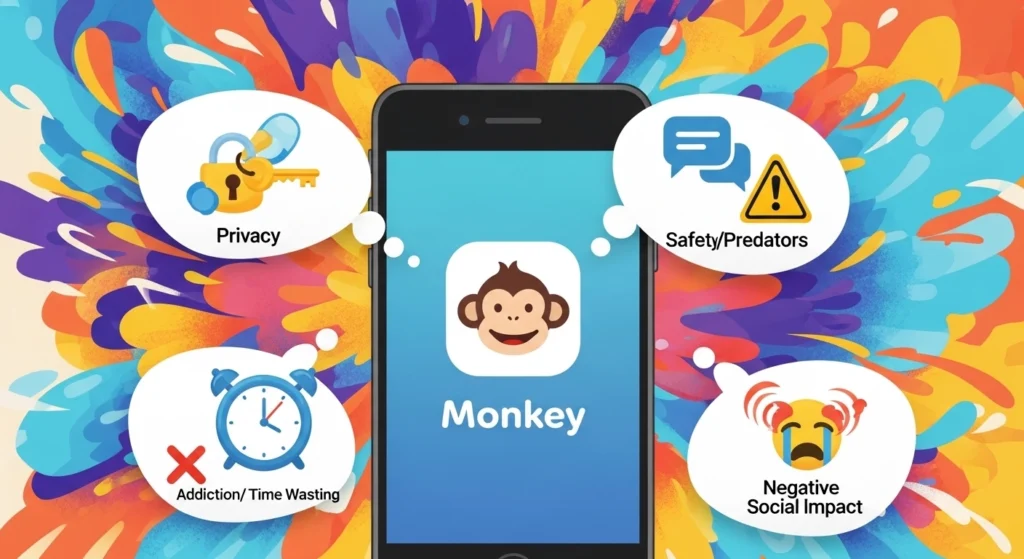
Friends, the Monkey app has been quite controversial. A few years ago, the Monkey app was removed from the Apple App Store. No official reason was given, but it is believed that it was due to child safety concerns. According to a report by the Washington Post, 2 percent of the Monkey app’s iPhone users complained of unwanted sexual experiences.
The biggest problem with the Monkey app is age verification. The official minimum age for the Monkey app is 18 years old. But the app does not have any system that can verify age. Any child can download the Monkey app by giving a false date of birth.
Reading the user comments, it turns out that there are many minors in the Monkey app. One user wrote: “There are many people in this app who are under 18, and this is not true. This app should be 18+ but there is no regulation here.”
Dangers of the Monkey App
Now we discuss the dangers of the Monkey App that every parent should know.
Danger #1: Pornography and Inappropriate Content
The biggest danger on the Monkey App is pornographic content. Because the video chat is live, anyone can show anything. Your child could suddenly be video chatting with someone who is naked or doing inappropriate things.
This content comes out so fast that moderators don’t have time to stop it. The Monkey App has AI technology that tries to catch inappropriate content, but it’s very difficult in live video.
Danger #2: Predators and Bullies
There are also people on apps like the Monkey App who target children. They start off friendly, then gradually ask for personal information. Some signs you can look out for:
Asking for personal photos early
Says things like “don’t tell your parents”
Trying to take the conversation to another platform
Putting emotional pressure on people to end the conversation
Risk #3: Bullying and harassment
People on the Monkey app can harass others by hiding their identity. One user wrote: “Almost everyone on this app is racist, juvenile, or extremely rude. Harassment is a huge problem.”
Risk #4: Privacy issues
The Monkey app collects a lot of your information. According to the information on the Google Play Store, the Monkey app collects the following data:
Location
Personal information
And six other types of data
The most dangerous thing is that the data in the Monkey app is not encrypted. That means your information is not safe.
Risk #5: Fraud and scams
There are also scammers on the Monkey app. Some people create fake profiles to scam people. They may ask you for money, send you suspicious links, or use your photos to blackmail you.
Users have reported several scam complaints on the Monkey app. One user wrote: “The coins you get from watching ads don’t work. The last ad never ends. It’s a scam.”
Risk #6: Lack of customer support
The biggest complaint about the Monkey app is that its support system is not solid. One user wrote: “The app is great but absolutely zero support. When I contacted support, they sent me canned responses. No real help.”
Another user wrote that their account was blocked by mistake, their appeal was unsuccessful, and they still haven’t heard back from customer support after 8 days.
User Experiences – What’s on the Monkey App?
The Monkey app has a rating of 3.8 on the Google Play Store. Nearly 70,000 people have given reviews. Let’s read some real reviews:
Positive experience:
“It’s fun! You get good people. The music is just old, they should add new music”
Negative experience:
“I subscribed, they blocked me as soon as I paid. I sent several emails, no response. Worst app”
Negative experience:
“They blocked me suddenly while chatting. I didn’t do anything wrong. Then the appeal also failed. Customer support has been silent for the last 8 days”
Negative experience:
“They ask you for 600 coins after the first call. Coins with AIDS don’t work. It’s a scam”
Negative experience:
“This app should be removed from the store. Almost everyone is racist, immature, or extremely rude. Parents – don’t let your kids use this app”
Is the Minki app safe? Expert opinion
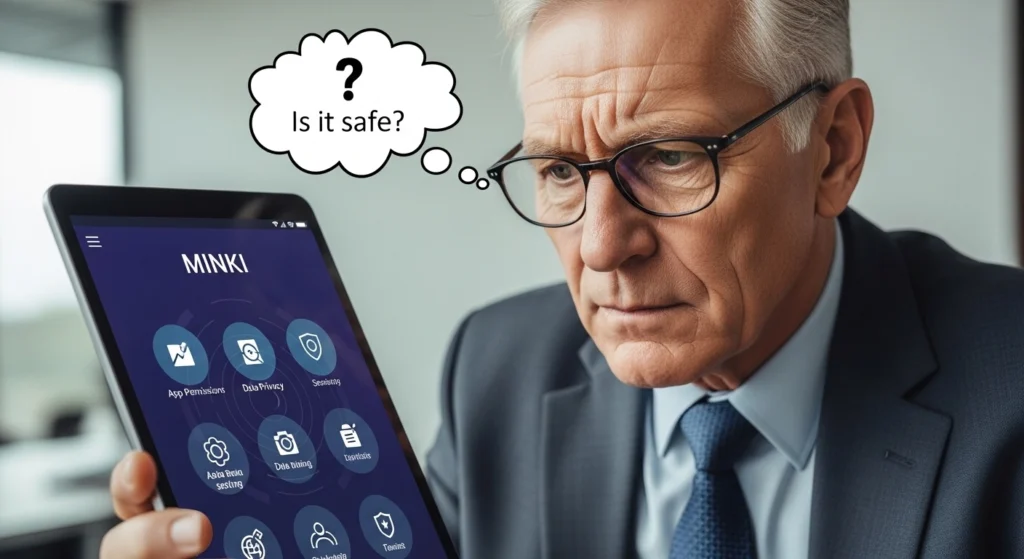
According to experts, the Minki app is not safe for children Avast security company has included the Monkey app in its list of “most dangerous apps for children.”
According to the Flashgate Parental Control report, the Monkey app has three major risks:
Access to pornographic content
Predators and bullies
Privacy issues and fraud
Experts at Quick Heal Security say that safety on apps like the Monkey app depends on user habits, not on the app’s features. That is, the more savvy your child is, the safer they will be. But it’s not fair to expect that much from children.
Premium features and controversies in the Monkey app
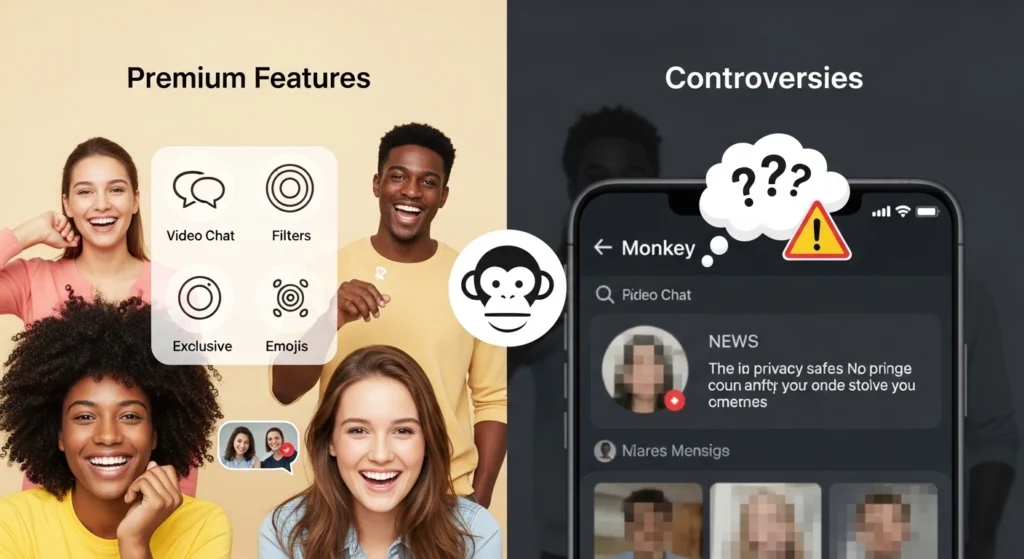
The Monkey app has a premium subscription called “Monkey Plus.” Its price varies in different countries. In it, you get some additional features:
“Nak Nak” feature – starting a conversation via text message
Group chat
Filter by age and gender
But there are also controversies over premium features. One user wrote: “I discovered the ‘hot mode’ that affects the results of the match, but it was not told anywhere. This is a scam.”
Another problem is that many users’ accounts were blocked even after taking the premium. And their money was lost due to the lack of customer support.
A guide for parents – How to protect children from the Monkey app?
Friends, if you are a parent, you should be very careful about the Monkey app. Here are some practical tips:
Tip # 1: Have an open conversation
Talk openly with your children about online activities. Ask them what apps they use, who they talk to. Tell them to tell you if someone bothers you.
Tip # 2: Make clear rules
Decide which apps to use and for how long. Teach your kids to never share personal information online:
Phone number
Address
School name
Photos
Tip #3: Teach them to block and report
Teach kids to block and report if someone is behaving inappropriately. There is an option to report in the Minki app.
Tip #4: Provide safe alternatives
For younger kids, give them safe apps like LEGO Life, Messenger Kids, or JusTalk Kids instead of the Minki app. Older kids can use Snapchat or Facebook, but with supervision.
Tip #5: Use parental controls
Install parental control apps on your kids’ phones. Use Screen Time for Apple, Google Family Link for Android. Third-party apps like FlashGet Kids are also useful.
Tip #6: Check the phone
Check the apps installed on your kids’ phones from time to time. Check the privacy settings. Keep the antivirus updated.
Tip #7: Teach online privacy
Explain to children what information to give online and what not to. Never send OTPs, bank details, images of documents.
Safety precautions when using the Monkey app
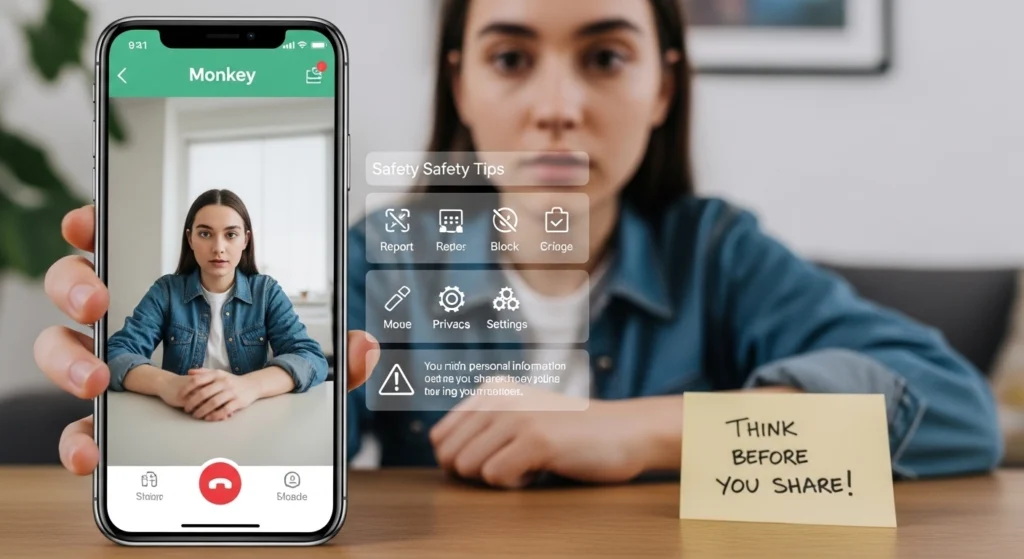
If you or your child still want to use the Munki app, be sure to take these precautions:
Never give out personal information – no name, no address, no school
Don’t click on suspicious links
Don’t take the conversation to another app
Leave it immediately if it gets weird
Watch what’s behind you – no address, school uniform, or identification
There’s always the risk of screenshots or recordings
Keep your phone’s security updated
Munki app alternatives – safe options
If you want to make new friends, there are some safe alternatives to the Munki app:
For younger kids (5-13 years):
LEGO Life – for Lego lovers
Messenger Kids – Meta’s app for kids
JusTalk Kids – safe video calling
For adults and teens:
Snapchat – monitoring Can be used in
Facebook – with privacy settings
Discord – for gaming communities
Popular chat apps:
WhatsApp – for family and friends
Instagram – photo sharing
Zoom – for group video calls
General Questions
Question: What is the minimum age for the Minki app?
Answer: The official minimum age for the Minki app is 18 years old. But due to the lack of age verification, minors are also using it.
Question: Is the Minki app safe?
Answer: No, the Minki app is not safe for children in particular. It contains pornography, harassment, and the risk of fraud.
Question: Why is the Minki app controversial?
Answer: The Minki app is controversial because it was removed from the Apple App Store, it contains minors, and users face sexual harassment.
Question: How do I delete my Minki app account?
Answer: Go to the Monkey app, click Settings > About Monkey > Delete Account > Delete My Account. The account will be deleted in 30 days.
Question: How do I cancel my Monkey app subscription?
Answer: Click on Monkey Plus on the home page, then click Cancel renewal.
Question: Does the data in the Monkey app get encrypted?
Answer: No, the data in the Monkey app is not encrypted.
Question: How is the customer support of the Monkey app?
Answer: According to users, the customer support of the Monkey app is very poor. There is no real help.
Conclusion
Friends, the Minki app is an application that allows you to video chat with strangers, but its risks are high. The Minki app contains risks such as pornography, harassment, bullying, and fraud.
The biggest weakness of the Minki app is that it does not have an age verification system. Any minor can download the Minki app and view inappropriate content.
User experiences show that the Minki app has many problems. People are getting their accounts blocked, money is being lost, and customer support is not getting any help.
It is very important for parents to monitor their children’s online activities. Apps like the Minki app can be dangerous for children.
If you want to make new friends, use safe alternatives instead of the Minki app. There are apps like LEGO Life, Messenger Kids for children. For adults, well-known apps like WhatsApp, Facebook are better.